1. Click the right-most button on Facebook’s blue bar and click News Feed Preferences to open the Preferences pop-up.

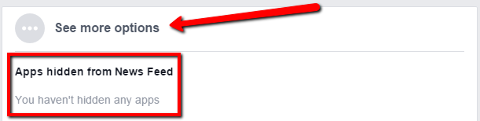
2. Choose the See more options to see the Apps that you have hidden from your News Feed.

3.
Find FarmVille and click the Show button to set Facebook to display FarmVille posts on your News Feed again. The button should appear as Hide before choosing Done at the bottom.
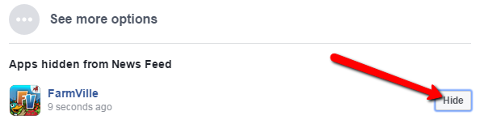
4. The See more option should look like the image below when you close and re-open the preferences pop-up.
_-_-_-_-_-_-_-_-_-_-_-_-_-_-_-_-_-_-
FarmVille 2: Country Escape Game GUIDE
哈利波特:巫師聯盟