To edit Buildings and Objects, give the item a long press and the available options will appear.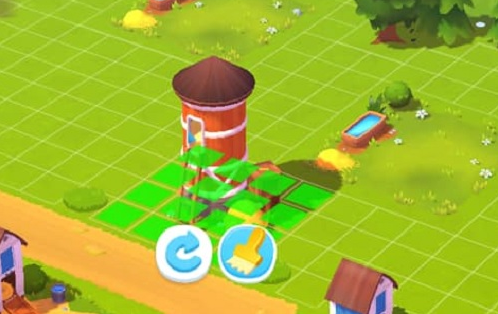 There are different options available depending on the type of Building or Object:
- Move: Drag the object to a free space on your farm and tap anywhere to release.
- Rotate: Tap on the rotate icon and tap anywhere to release.
- Store: Tap on the box icon.
- Sell: Tap on the dollar icon.
- Change Model: Tap on the brush icon.
_-_-_-_-_-_-_-_-_-_-_-_-_-_-_-_-_-_-
FarmVille Game GUIDE