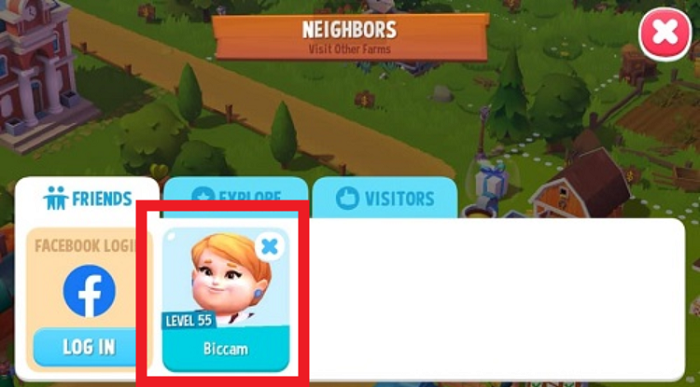
To visit neighbors, tap the Friend icon on the left side of the game screen.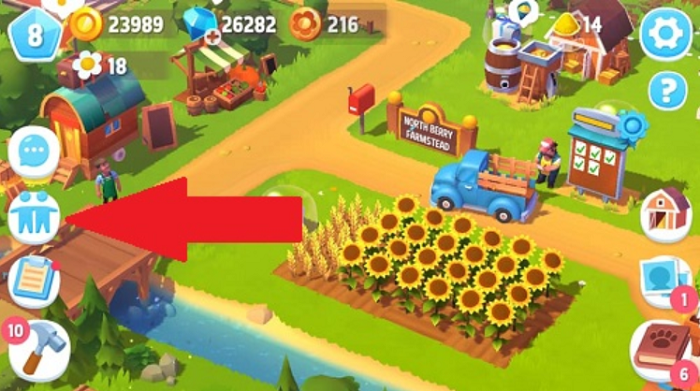 Tap on the Explore tab where you can see random neighbors who you can visit and interact with even if they are not your Facebook friends.
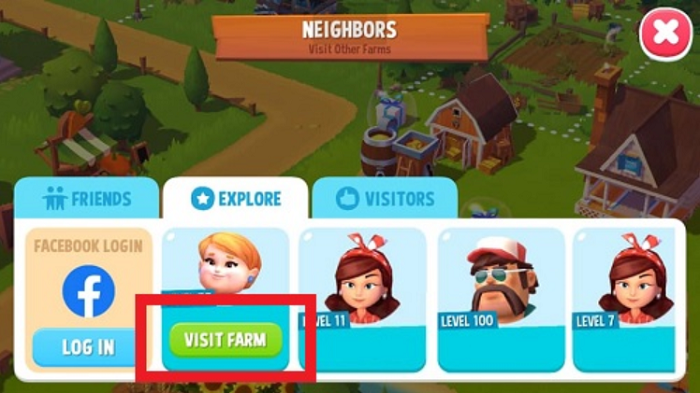
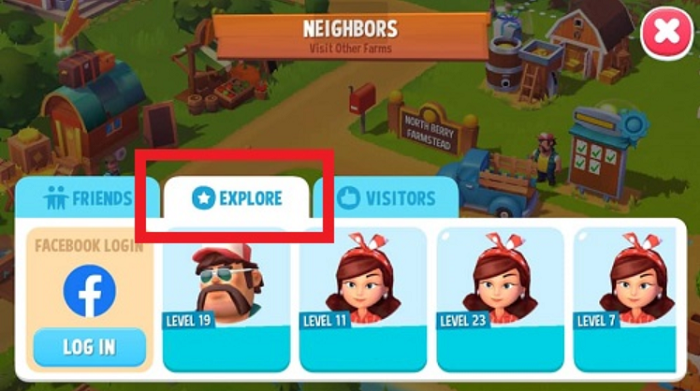 Next, tap on your neighbor’s profile then tap the Visit Farm button.
 While visiting your neighbors, you have the option to interact with their avatars and animals. Tap on the avatar or animal and get rewards for every Like that you make.
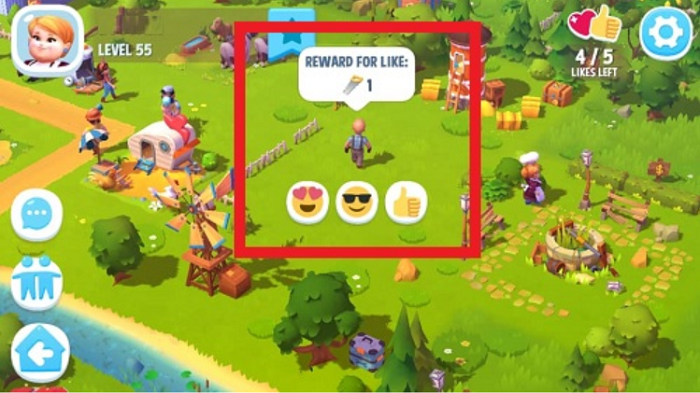 You can visit this neighbor again by tapping the Star icon to add them to your favorites.
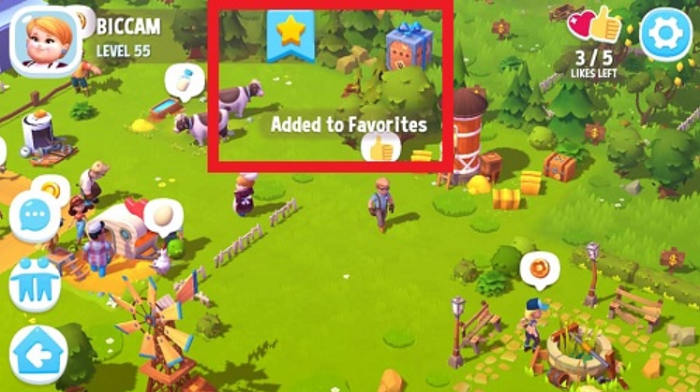 Your neighbor is then automatically added to the Friends tab.
 To return to your Home Farm, tap the Home button in the bottom left corner.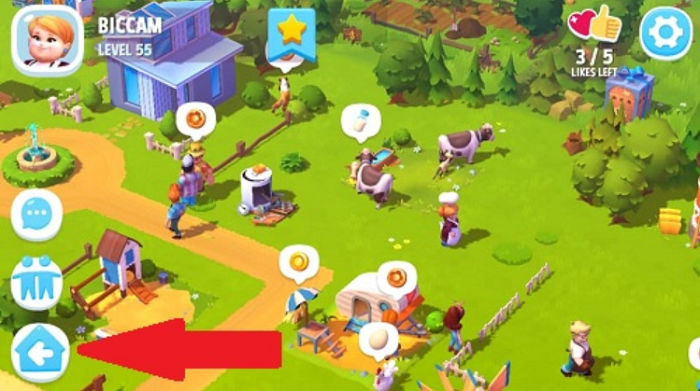
_-_-_-_-_-_-_-_-_-_-_-_-_-_-_-_-_-_-
FarmVille Game GUIDE