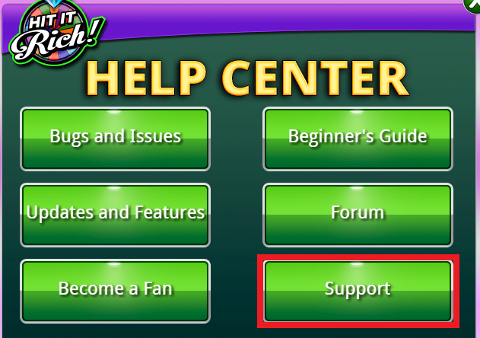
WEB 1. Click on the "HELP" link at the lower right corner of the screen.  2. Click the "Support" button.
  3. Your page will be directed to the HIT IT RICH Support Page where you can find helpful links to your issue.
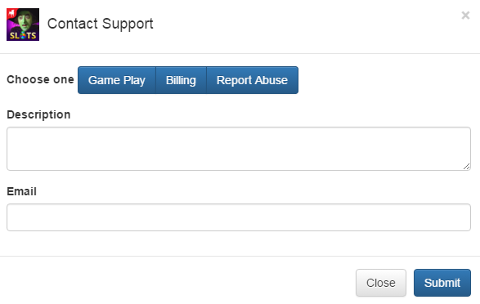
  4. Click "Contact Support" to open and submit a ticket incident.
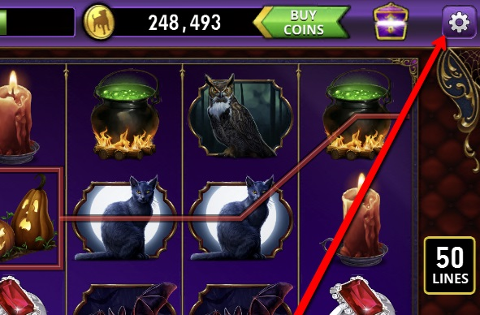
  MOBILE 1. Click the "Gear" icon
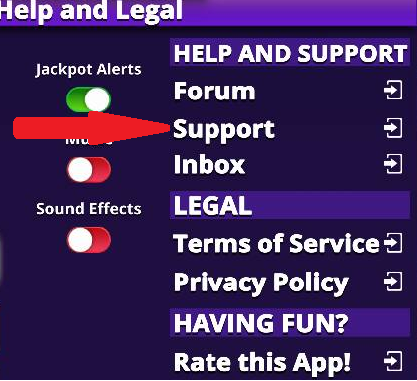
  2. Click "Support" then you will be directed to a list of category where you can choose any FAQ (i.e. Hot Topics) and see if there is any article published for your concern.
  3. If you are unable to find the appropriate article, select any. You should see a "Contact Us" icon at the top-right corner of your mobile screen. Click it. ANDROID
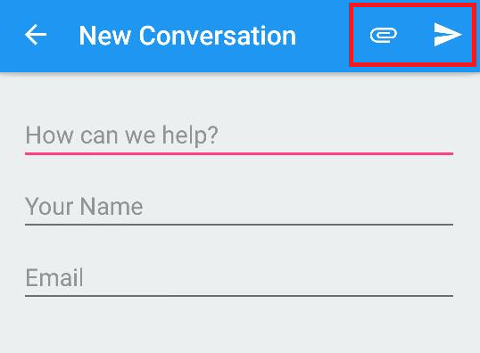
 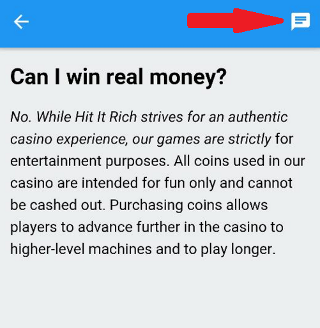 The "Clip" icon allows you to attach a screenshot and next to it is the "Submit" button.
  IOS
IOS 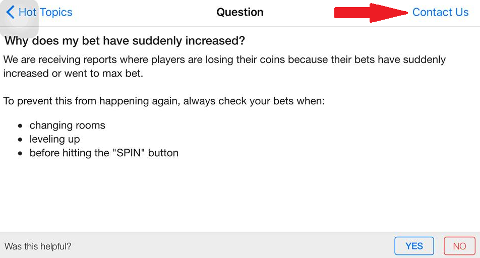 The "Camera" icon allows you to attach a screenshot, and hit the "Send" button to submit.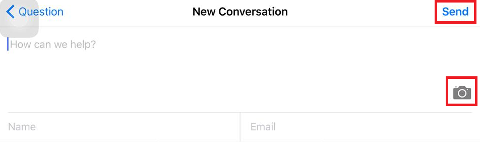
_-_-_-_-_-_-_-_-_-_-_-_-_-_-_-_-_-_-
Hit it Rich! Free Casino Slots Game GUIDE