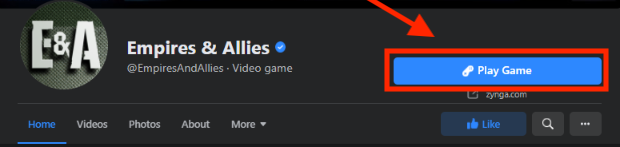
OverviewAs Facebook Gameroom is retiring on June 30, Empires & Allies will continue to be available on Facebook using “Facebook web hosting” so that you can play your favorite game on your computer. What is Facebook web hosting?Games on Facebook offers a way to host games inside Facebook which can be accessed from a particular link. In the case of Empires & Allies, it’s the play button on the Empires & Allies Facebook page. Alternatively, you can use this link and go to the page directly and connect to your Facebook account.What does that mean to your existing account?Introducing Empires & Allies to Facebook Web Hosting would not change anything with your existing account. You can play the game on Facebook just by visiting this link and connecting to your Facebook account. You would get a new platform to play if you wish so.Can I use the same account in iOS/Android and Facebook Game Hosting?Yes, you can play in iOS/Android and also in Facebook Game Hosting simultaneously with the same account while keeping your progress, provided you have connected to the same Facebook ID.How can I log into Empires & Allies on Facebook?Follow these steps to log in from Facebook:You can play Empires & Allies using the following methods:
- From Facebook Games link
- From Facebook Page
- From Facebook Games
- From Gameroom
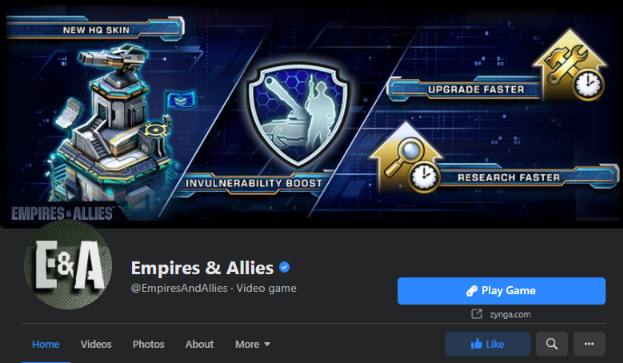
A. From Facebook Game LinkClick on the link below and bookmark it:https://apps.facebook.com/com_zynga_empiresB. From the Facebook Page:
C. From Facebook Games:
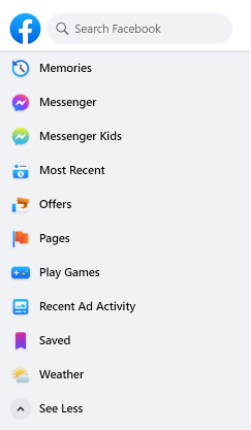
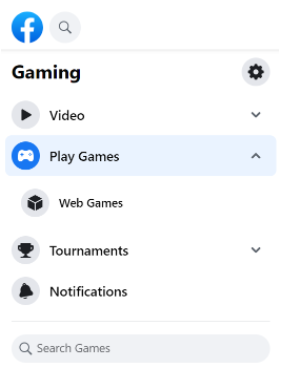
 Once you’ve found the game from the search results, click on the “Play Now” button to play.
D. From Gameroom:
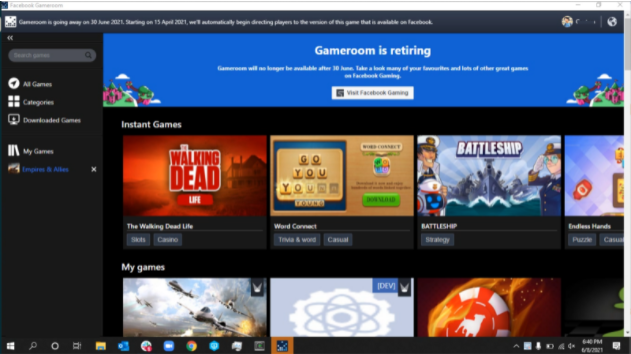
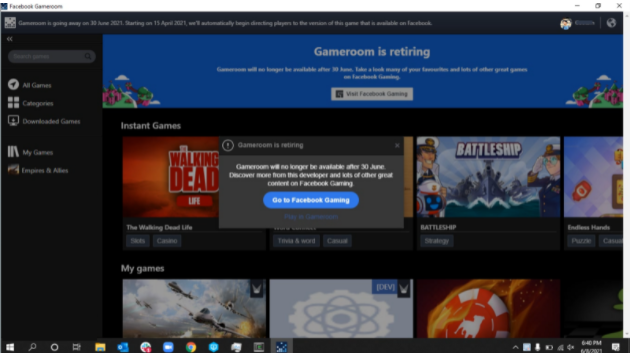
Connecting with a Facebook account to transfer progress:If you are new to Empires & Allies, you would be surfaced with a pop-up asking you to connect the game with your Facebook account. Click on ‘Continue’ to proceed. You can also connect your Facebook account from the settings menu.Follow these steps after launching the game:
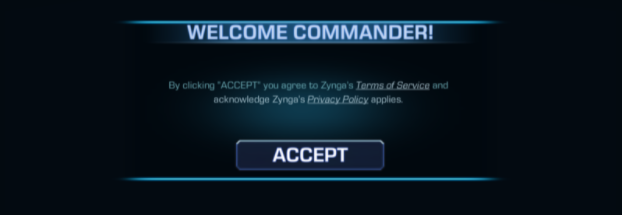
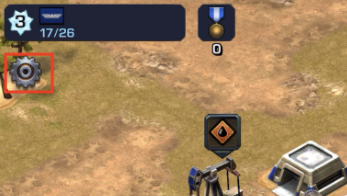 Click on the Facebook Connect button from the Settings menu.
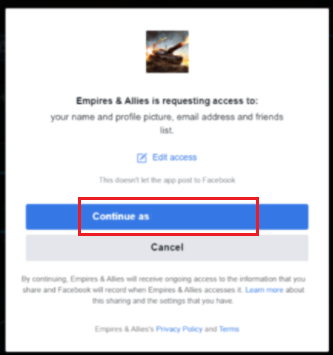
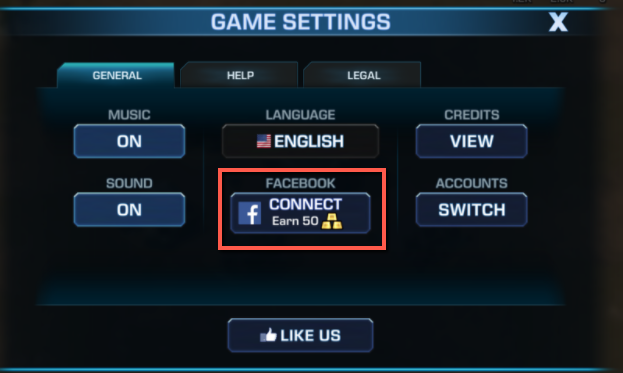 Once you’ve clicked on the Facebook Connect button, you will be surfaced with the pop-up below. Click on the “Continue” button to log in with your Facebook account.
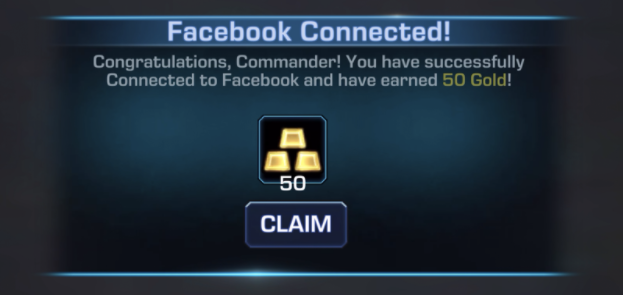
 You will be granted 50 Gold once the connection is successful.
 Once you are connected to Facebook, a list of all the accounts connected to that Facebook ID will pop up, and from that list, you can switch to any account of your choosing.
 Can I remove the Facebook ID from the game once connected?As of now, you can’t remove the Facebook account from the game, once connected.
_-_-_-_-_-_-_-_-_-_-_-_-_-_-_-_-_-_-
Empires & Allies Game GUIDE