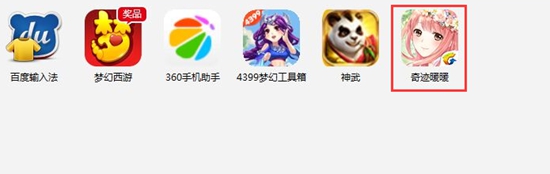
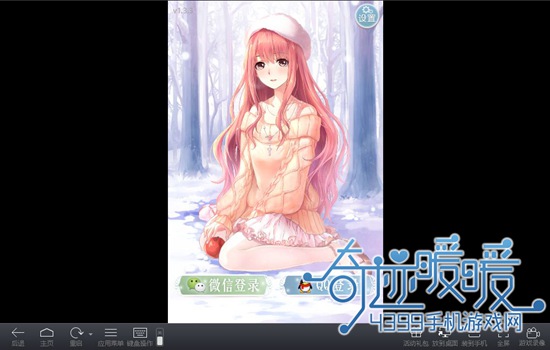
I believe that many of my friends have already experienced the charm of “Love Nikki-Dress UP Queen” on their mobile phones or other devices. Today Woodwood brings you the Love Nikki-Dress UP Queen PC version to download. Partners can like it!
>> Play Love Nikki-Dress UP Queen with 4399 hands (more convenient! more powerful!)
Note: Love Nikki-Dress UP Queen currently supports only Android version Playing on the computer via Android emulator, IOS version is small There is no way for a partner to play Love Nikki-Dress UP Queen Computer Edition!
Steps
First download the Android emulator and install it: http://moniqi.4399.cn/
▍ Step 2
Download Love Nikki-Dress UP Queen Android Pack: http://a.4399.cn/game-id- 50743.html
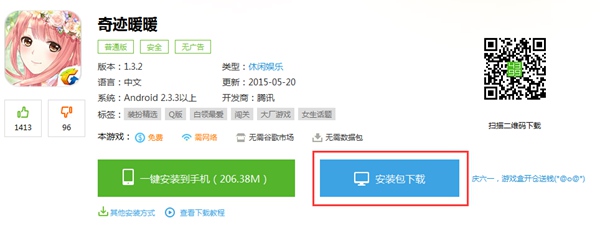
▍ Step 3
3. Open the 4399 emulator after the installation is completed. Double-click on the downloaded [Love Nikki-Dress UP Queen] to automatically install it into the Android emulator.

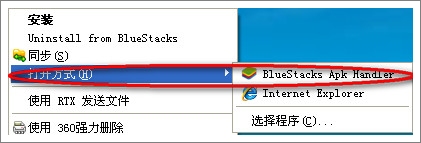
PS: If double-clicking does not work, it is recommended to perform normal installation by right-clicking the BlueStacks Apk Handler to avoid being hijacked by the mobile assistant. Right click (apk file) →Open method→BlueStacks Apk Handler
Step 4
Waiting for the installation of Love Nikki-Dress UP Queen. Now we can find Love Nikki-Dress UP Queen in the simulator! Start the game now!