Contacting our support team is very easy! First tap on your profile icon on the top left. Then hit settings. Once there just scroll down to the bottom where it states Help. Please review our FAQ’s. If your answer is not there then tap "NO" when asked if any FAQ helped. You will then be able to put in a support ticket.If you are reporting an issue, please be sure to include the following information so our support team will be best equipped to help!1) Your PlayerID and Username -If you can include a screenshot of your settings page where your account appears, it’s even better!2) A description of the bug/issue -The more details you can give us, the better equipped we can be to help! Any screenshots to help illustrate the issue are super helpful as well. To send a screenshot you may need to enable access to your pictures through your device settings.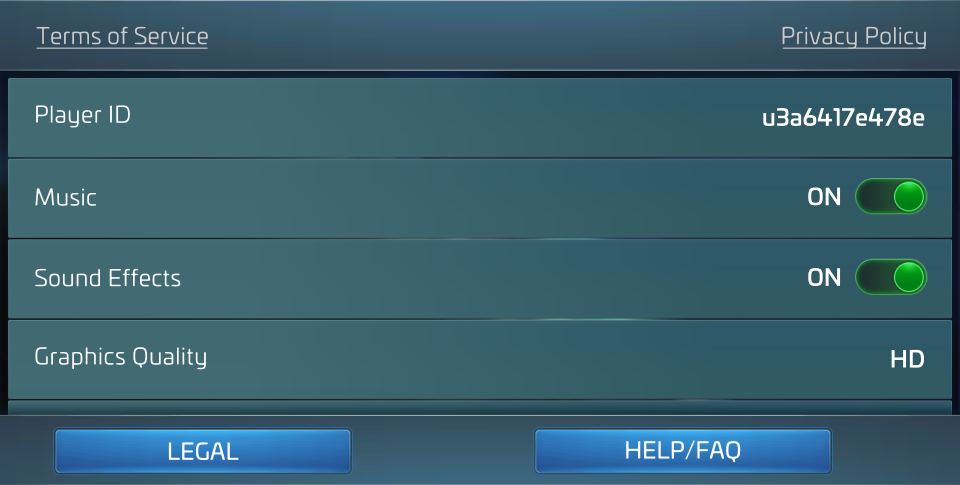
_-_-_-_-_-_-_-_-_-_-_-_-_-_-_-_-_-_-
Star Trek™ Fleet Command GAME GUIDE