Here are the steps on how to block an opponent:
1. Click their Profile by tapping their Profile picture.
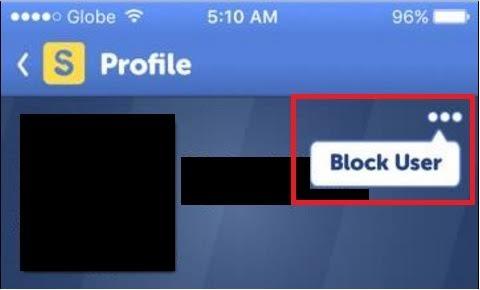
2. You will see a three horizontal dots located on the upper right corner of your opponent’s Profile.
3. Tap the three horizontal dots.
4. A Block User option will appear then Tap again.
_-_-_-_-_-_-_-_-_-_-_-_-_-_-_-_-_-_-
Boggle with Friends Game GUIDE