When leaving your game idle for some time, you’d want to protect your resources from being looted / attacked by other players. You can purchase a Castle Shield from the Shop that will last for 24 hours when used.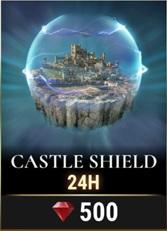 Once you make the purchase, the shield needs to be activated first (it’s not automatic!). To do this, go to the Kingdom View and tap on your Garrison. Once you see the option to add defense, the shield icon will be on the left side. Tapping that will activate the Shield on your Castle.
 Remember: Attacking another player while the Shield is on will automatically turn it off, even if it hasn’t expired yet.
_-_-_-_-_-_-_-_-_-_-_-_-_-_-_-_-_-_-
Dawn of Titans Game GUIDE